Shooting JPEG Only for Travel Photography: The Pros and Cons
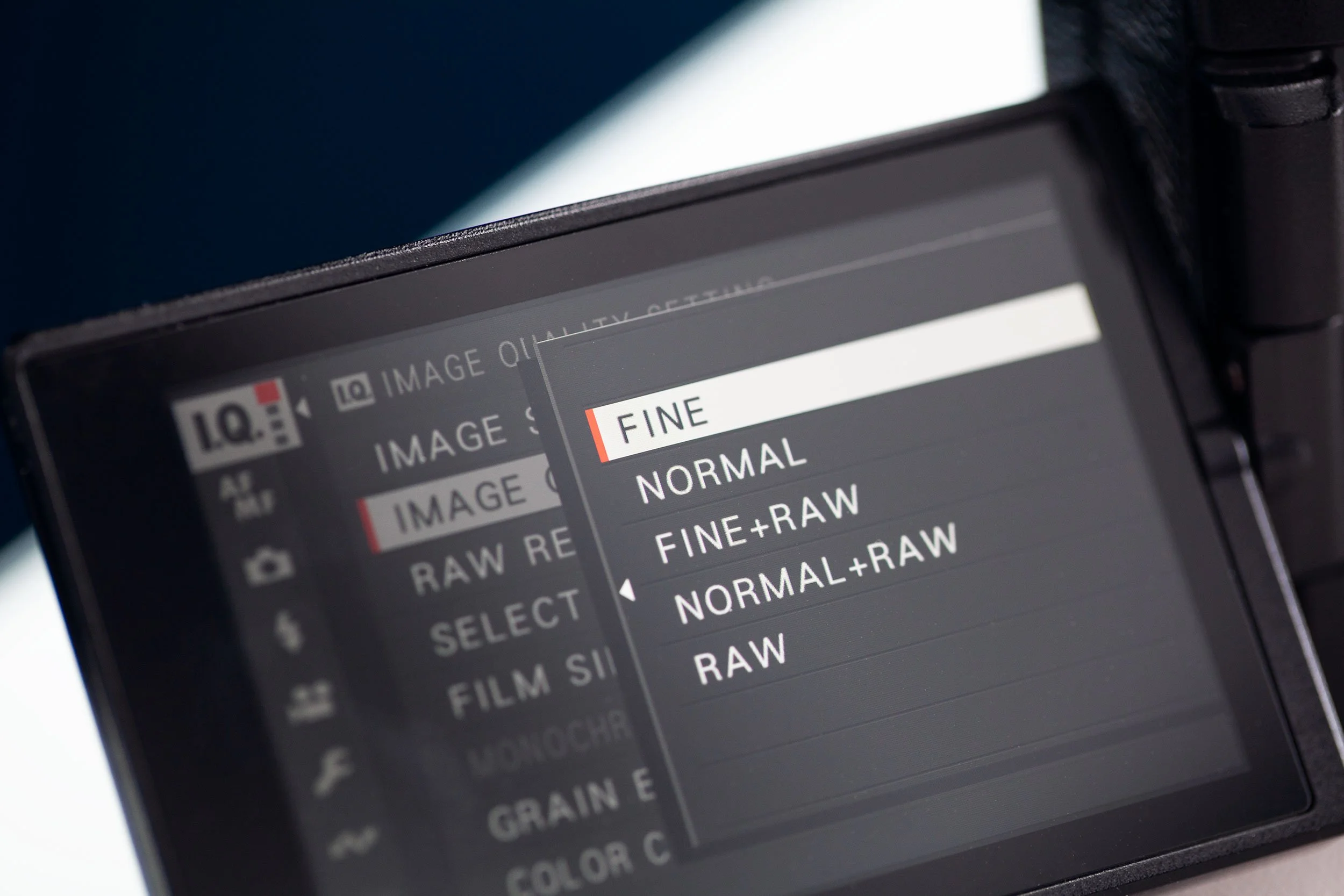
Since switching to Fujifilm as my primary camera, I’ve embraced a “less is more” approach. I’ve increasingly relied less on using RAW files and more on the quality of Fujifilm’s JPEG files to the point where I’ve seriously considered shooting JPEG-only during my travels.
Fujifilm cameras produce exceptional JPEGs straight out of the camera. With their unique film simulations and customizable film recipes, I can achieve a desired look without extensive post-processing.
If you’re new to shooting JPEGs or thinking about going JPEG-only with your Fujifilm camera, here are the top pros why it might be the right choice.
Film Simulations and Recipes are Wonderful
Fujifilm’s film simulations are renowned, and they’ve been a deciding factor for many in deciding to switch to Fujifilm. Using a simulation allows users to emulate classic film stocks, with colours, tones, and characteristics that closely resemble those of the original film. They are not perfect, but some do an impeccable job of replication. Furthermore, film recipes let you create your own look, and numerous online resources offer examples and recipes to try. Film simulations and recipes are a creative outlet.
Smaller Files Have Many Advantages
Raws are big, and JPEGs are significantly smaller. Smaller images mean faster operation and less storage. Less storage means you can store more on a memory card and use less space on your hard drive. That may not matter much with a few hundred photos, but when you are getting into the thousands, it makes a difference. You’ll know how quickly hard drives can get full if you take many photos.
And if you have thousands of photos to import and back up, both processes will be faster.
Less Editing, Saved Time
JPEGs are processed in-camera according to the camera’s settings. You can still make adjustments if you choose, but they shouldn’t take too much, and you shouldn’t push it too far. Perhaps a slight exposure adjustment, or highlights and shadows. It’s a matter of personal preference, but with a proper simulation setup, you shouldn’t have to do much to your photo to achieve something great. You can potentially save a lot of time working with JPEG files, but there will always be disadvantages to shooting with an “inferior” file type. However, I think the cons of shooting JPEG are pretty limited.
Since I’ve embraced JPEGs more in my workflow, and that trend seems to continue with every new travel opportunity, the cons so far are limited, such as:
Lack of Flexibility: Now and in the Future
JPEG files are processed and compressed by the camera before being saved, meaning that much of the image data is already interpreted and reduced in size within the camera itself. While you can still edit JPEG images in software like Lightroom or Photoshop, you will quickly encounter limitations due to JPEGs’ compression and reduced bit depth. This compression discards a significant amount of image data. This is why it is a much smaller file size. This makes white balance correction almost impossible and restricts how far you can push additional adjustments, such as exposure correction, highlight recovery, or shadow detail, without noticeably degrading the image quality. Because JPEGs are essentially final images using the in-camera processing, they offer less room for creative or corrective editing.
JPEGs are convenient for quick sharing and offer smaller file sizes, but their compression limits the potential for high-quality edits compared to RAW files. In contrast, RAW files function like digital negatives. RAW files contain all the unprocessed sensor data captured during exposure; however, the dynamic range setting affects both JPEG and RAW files.
Using RAW files lets you revisit the original image from scratch and process it with greater flexibility, which is important if you want to revisit a photo from years ago, long after your style and preferences have changed and approach it with fresh eyes.
Pros:
Film simulations and recipes allow the emulation of classic film stocks with colours and tones that closely resemble the originals.
Film simulations and recipes are a creative outlet, with plenty of online resources available.
JPEG files are smaller and require less storage space.
Smaller files mean quicker importing and backing up of thousands of images.
JPEGs are processed in-camera, so they require less editing.
A proper simulation setup can produce high-quality images with minimal adjustments.
A JPEG workflow can save significant time compared to RAW editing.
Cons:
JPEG files have limited flexibility because they are pre-processed and compressed.
Compression results in a significant loss of image data stored.
White balance correction is almost impossible with JPEG.
Limited ability to correct exposure, recover highlights, or shadows without quality loss.
JPEGs offer less room for creative or corrective editing because they are “finished” images with camera processing baked in.
RAW files allow revisiting the original, unprocessed image and offer greater flexibility for editing. Beneficial over longer time frames, when personal style evolves. Shooting only JPEGs limits the ability to revisit images with fresh eyes.
Conclusion
With anything, you only need to decide what works for you. Any professional travel photography captured for a client would most definitely require using RAW. If you are travelling for yourself, capturing scenes and memories with no pressure to deliver to clients or meet a certain level of polish, then JPEGs are a great way to create a consistent look in your work and a unique look based on the settings you use. It’s also a faster way to work and will save significant storage space and post-processing time in the long run.